
How Do You Maintain a Water Vapor Fireplace?
The full maintenance routine for water vapor fireplaces, from transducer cleaning to troubleshooting a weak or missing flame effect.


If your electric fireplace remote is not working, the fix is usually straightforward. Most failures come down to one of four causes: dead batteries, a lost pairing signal, signal obstruction, or a faulty receiver. This guide walks through each scenario in order of likelihood so you can isolate the problem and restore control without calling for service.
Electric fireplace remotes fall into two main categories. Infrared (IR) remotes require line-of-sight contact with the receiver, similar to a television remote. Radio frequency (RF) remotes transmit through walls and furniture, which makes them more flexible but also more prone to pairing loss after power interruptions. Smart fireplaces with Wi-Fi or Bluetooth control add a third type that involves app connectivity and network troubleshooting.
Knowing which type your fireplace uses changes the troubleshooting order. Check your owner manual or the manufacturer's product page if you are not sure.
Gather the following before beginning:
No special tools are required for the majority of remote issues. If you reach the point of accessing internal components, stop and contact manufacturer support instead.
Work through these steps in order. Most electric fireplace remote problems resolve within the first two or three steps.
Dead or weak batteries are the most common cause of remote failure. Batteries that appear to have remaining charge can lose enough output to drop the signal, especially at longer range. Replace them with fresh alkaline batteries rather than rechargeables, which often output slightly lower voltage and cause intermittent behavior. After swapping, wait 10 seconds before testing so the receiver can initialize properly.
If your remote uses infrared, the signal must reach the receiver in a straight, unobstructed path. Common causes of obstruction include furniture placed directly in front of the firebox face, glass that has accumulated residue or condensation, and bright ambient light or direct sunlight hitting the receiver eye and overwhelming the sensor. Test from close range, within two to three feet, pointing directly at the receiver. If the fireplace responds at short range but not from across the room, obstruction or angle is the problem.
To confirm the remote is transmitting, open your phone's camera app and point the remote at the lens while pressing a button. If you see a faint purple or white light on screen, the emitter is working. If you see nothing, the remote's emitter diode has failed and the unit needs replacement.
RF remotes can lose pairing with the receiver module after a power outage, a voltage surge, or a firmware update. The re-pairing process varies by brand but typically involves holding a sync button on both the remote and the receiver for several seconds until an indicator light confirms the pairing. Check your model's owner manual for the exact sequence.
For Wi-Fi and Bluetooth-controlled fireplaces, check whether the unit still appears in the manufacturer's app. If it has dropped off, re-add it through the app's device setup flow. Common causes include the fireplace falling off a 5GHz Wi-Fi network (most fireplace modules only support 2.4GHz), or the router's credentials changing after a reboot or ISP upgrade. Dimplex Ignite and Revillusion models have a pairing button inside the firebox panel. Modern Flames models, including the Orion Slim and the Redstone insert, use an RF remote that re-pairs through a button sequence in the owner manual. Amantii smart fireplaces pair via Bluetooth through the Amantii app from within range of the unit.
Turn off the fireplace at its wall switch or unplug it from the outlet. Wait 30 seconds, then restore power. This resets the receiver module and clears locked or error states. Allow 15 to 20 seconds after power is restored before testing the remote. Some units revert to their default operating mode after a full power cycle, so you may need to reapply your flame and heat settings afterward.
If earlier steps have not resolved the issue, the receiver module inside the unit may have failed. On most built-in electric fireplaces, the receiver is a small circuit board in the control panel area, accessible through a side or top access panel. It picks up the signal from the remote and relays commands to the main control system.
Do not open internal panels if the fireplace is hardwired or if you are not comfortable working near electrical components. A failed receiver module is typically covered by the unit's warranty. Contact the manufacturer's support line to confirm part availability and your warranty status before ordering anything.
Every electric fireplace includes manual controls on the unit itself, whether buttons on the top edge, a side panel, or behind the trim plate. If the fireplace responds to manual controls but not the remote, this confirms the problem is in the remote or receiver rather than the main control board. This diagnostic step can save time and money before escalating to service or ordering parts.

Popular Choice: Modern Flames Orion Slim Built-In Electric Fireplace
Most remote problems are solvable without professional service. The following scenarios are exceptions where you should stop troubleshooting and contact the manufacturer directly:
Replacement remotes and receiver kits are available as service parts from most major brands, including Dimplex, Modern Flames, and Amantii. Units within their manufacturer warranty period are typically eligible for covered repairs. Contact the brand's support line with your model number to confirm part compatibility and initiate a warranty claim if applicable.
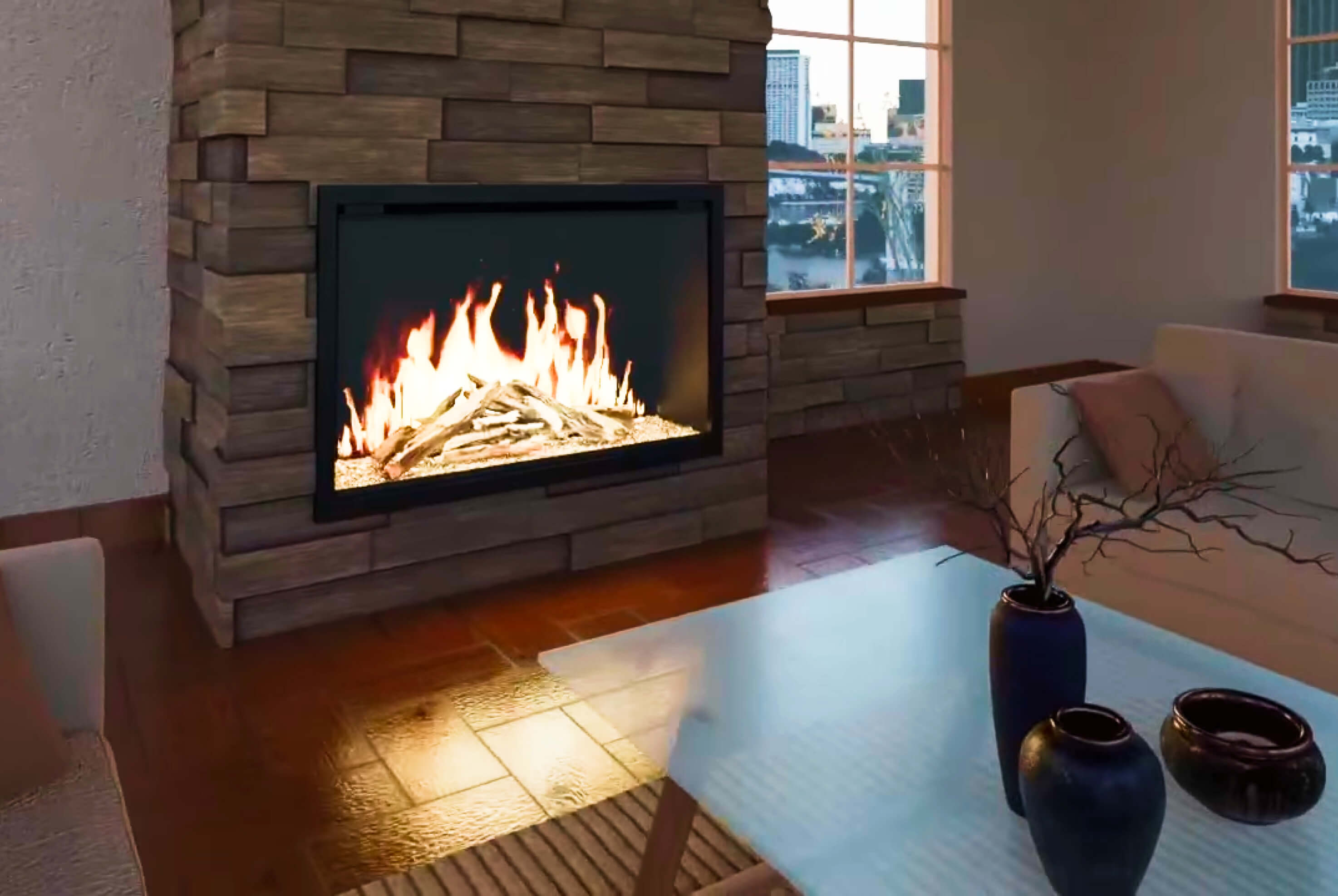
Shown: Modern Flames Orion Traditional Built-In Electric Fireplace
Remote problems are among the most common support calls for electric fireplaces, and most resolve within the first season of ownership. In the first year, the root cause is almost always battery-related. RF pairing loss becomes more common after power outages or router changes, and IR receiver degradation tends to appear after several years of use if the lens is not occasionally cleaned.
A simple seasonal habit prevents most remote issues: replace remote batteries at the start of the heating season, wipe the IR lens on both the remote and the receiver with a dry cloth once per season, and check your Wi-Fi-connected fireplace's network status after any router change.
If your current fireplace uses an older IR-only remote and you deal with signal issues regularly, models with RF or Wi-Fi control are worth considering. Options available at The Fireplace USA include the Modern Flames Orion Slim, which includes an RF remote alongside app control, the Amantii Panorama DEEP 60", which connects via the Amantii app with Bluetooth and Wi-Fi, and the Dimplex Revillusion 36", which includes a multi-function RF remote with dedicated flame and heat controls.
Browse the full electric fireplaces collection or explore built-in electric fireplaces to compare models with upgraded remote and app control.
Intermittent operation is almost always a battery issue. Weak batteries can power the remote enough to transmit at short range but fail at longer distance. Replace them with fresh alkaline cells. If the problem continues after a battery change, the remote's IR emitter diode may be failing and the remote will need replacement.
Power outages often cause RF remotes to lose pairing with the receiver module. After restoring power to the fireplace, wait 30 seconds, then follow your model's re-pairing procedure as described in the owner manual. Also check whether the fireplace has reverted to its default operating mode, since some units reset settings after a power interruption.
Yes, in most cases. Manufacturer replacement remotes are programmed to work with the existing receiver. Order directly from the manufacturer or an authorized retailer and confirm the model number matches your unit. Universal TV remotes will not work with electric fireplaces.
This usually means the fireplace dropped off your Wi-Fi network. Confirm your router's 2.4GHz network is active, since most fireplace Wi-Fi modules do not support 5GHz. If you recently changed your Wi-Fi password or replaced your router, re-add the fireplace through the app's setup flow using the new credentials. Bluetooth-connected models need the phone within range, typically 30 to 50 feet without obstructions.
Many models include a reset button on the receiver module, accessible through a side or top access panel. Location varies by brand. Check the owner manual for your specific unit. A reset typically returns the receiver to factory pairing mode so it can sync with the original or a replacement remote.
Yes. Every electric fireplace includes manual controls on the unit itself for power, flame settings, and heat output. These work independently of the remote and help you confirm the fireplace's main components are functioning correctly while you sort out the remote issue.
The full maintenance routine for water vapor fireplaces, from transducer cleaning to troubleshooting a weak or missing flame effect.

Everything to know about the Superior VRL3000 vent-free linear gas fireplace: how it works, who it's for, and how it compares to other options.

{"one"=>"Select 2 or 3 items to compare", "other"=>"{{ count }} of 3 items selected"}
Leave a comment